You open last month’s spreadsheet, save another copy and wonder whether the invoice number has already been used. Moving to an invoicing app can give that routine a clearer home. It does not require you to recreate every old invoice. Keep spreadsheets for planning if they suit you; move the preparation of new invoices only after a controlled check.
Choose a narrow starting point
This is an organisational guide for independent businesses using Apple devices, with UK readers in mind, not advice on US invoicing rules. It does not establish VAT treatment, record-retention requirements or Making Tax Digital suitability. If your business needs accounting submissions or a particular electronic invoice format, check those requirements separately before choosing a PDF workflow.
Freeze the archive before changing anything
Save an untouched copy of your Excel workbook or Numbers document alongside the PDFs you actually issued. Use a clearly named archive folder and keep another independent copy separately. Open a sample of both file types to confirm they are readable. A folder full of spreadsheet templates is not necessarily a complete record of what customers received.
Leave issued invoices in that archive rather than creating them again as new sales. For outstanding invoices, keep a separate reference list with the original number, customer and file location. Continue checking their payments against real payment records. Any historical migration needed for bookkeeping deserves its own checked process; this guide does not assume Fakturino imports Excel, Numbers or CSV files.
Clean the details you will reuse
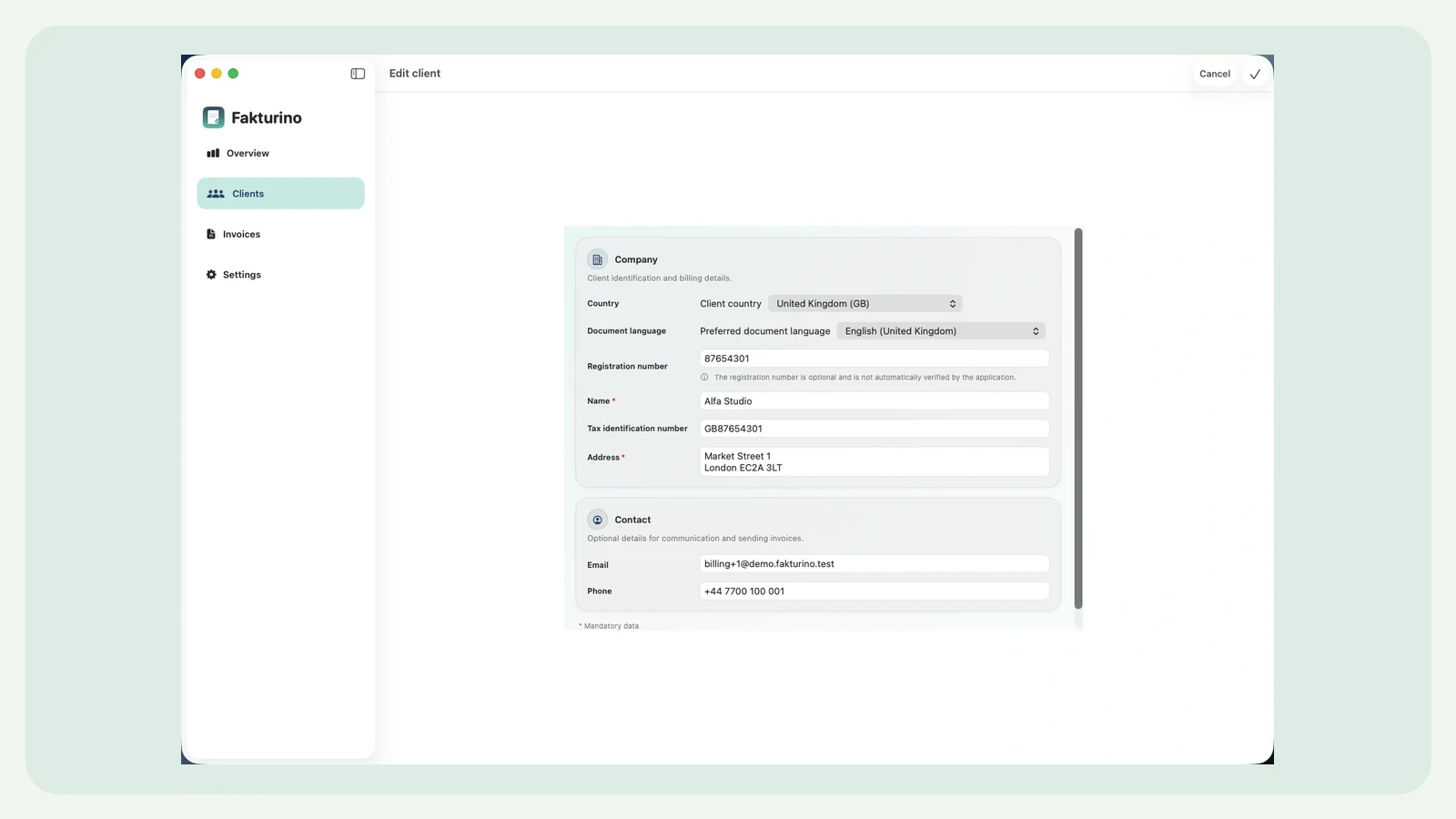
Start with customers you expect to invoice again. Check their current billing names, addresses, contacts and agreed currencies against reliable records. Remove duplicate entries carefully: similar trading names do not prove that two customers are the same legal business. Keep the cleaned spreadsheet as a reference and manually enter the first customer rather than assuming an export file will be accepted.
The official page describing Fakturino features lists saved customer details, custom numbering, invoice items and PDF export.[1] Start with one customer and one service for your test draft, then compare their details with the original spreadsheet.

Agree the numbering handover
Write down the last issued invoice number and any separate series you already use. Choose the intended next identifier before preparing a live invoice. Do not automatically restart numbering because you changed software, and do not let the spreadsheet and app allocate identifiers independently. If someone else helps with your books, agree where the handover will be recorded.
Imagine a fictional design business using a series labelled DESIGN-A. That label is just an example, not a prescribed format. The useful handover note says which invoice was last issued in the workbook, where its PDF lives and where subsequent invoices will be prepared. This is more informative than a folder called “new invoices final”.
Check the first PDF as a customer would
- Prepare a clearly labelled test draft using fictional details. Do not send it to a real customer. Compare the supplier, customer, description, dates, currency and payment details with your reference checklist.
- Open the exported PDF in Preview on your Mac and on your iPhone. Look for truncated addresses, awkward page breaks and unreadable descriptions. Compare the number and totals, not just the overall appearance.
- Pick a cutover date after the check. Prepare new invoices in one agreed place from then on; retain the workbook for reference and analysis. Keep a test draft distinct from a genuinely issued invoice.
Continue on iPhone without duplicating the work
Read the guide to syncing invoices through iCloud before switching devices.[2] It explains the same-Apple-account requirement and why sync is not a historical backup. If an invoice has not appeared on the other device yet, investigate before making another copy. This is a personal-device workflow, not a promise of team collaboration or instant transfer.
To assess the workflow yourself, open Fakturino on the App Store[3], check the current compatibility and available offer, and begin with a test draft. Keep the old archive accessible until you are confident about finding records and checking new PDFs.