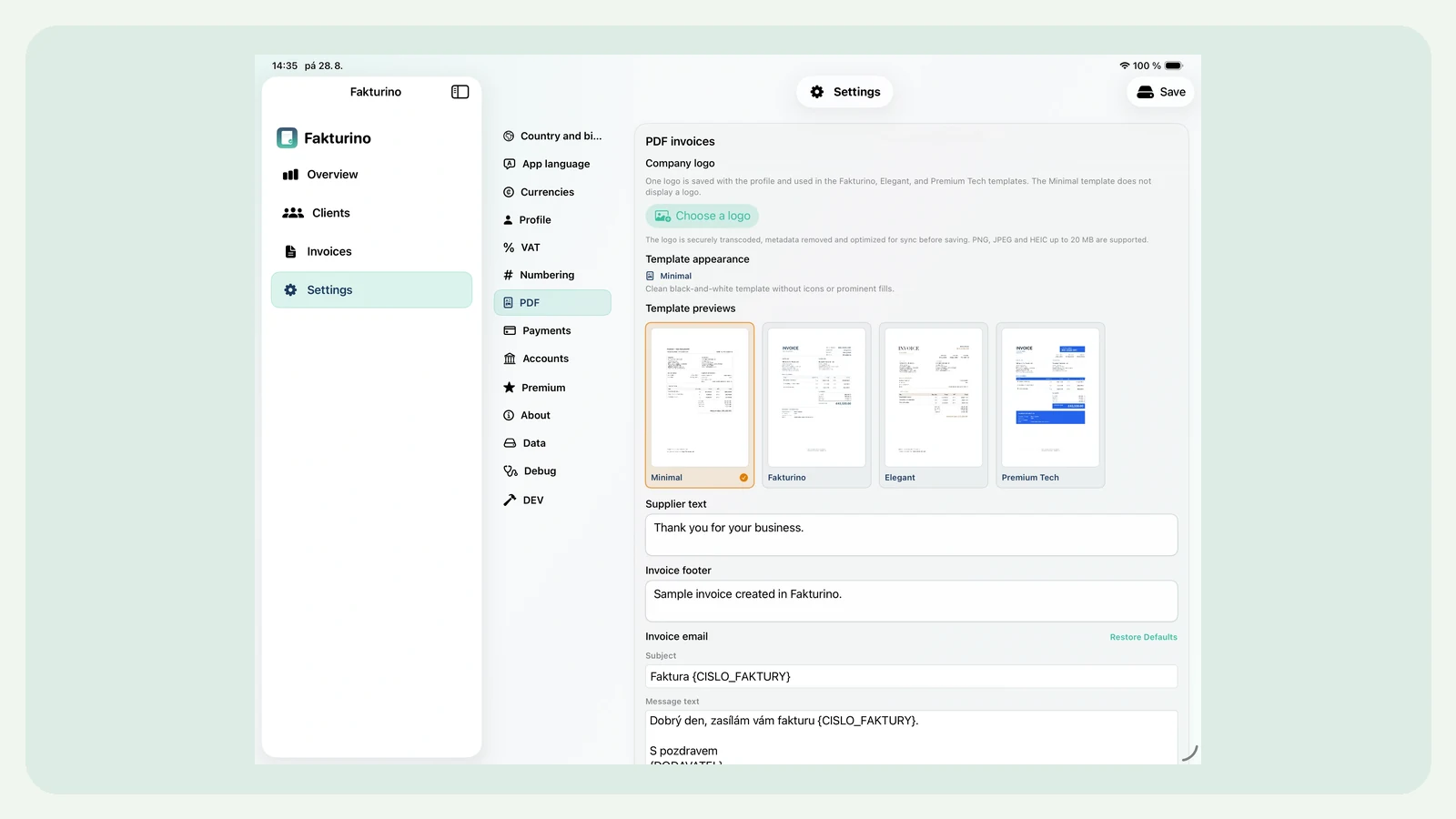
Your overseas client is happy to work in English, but their finance team still needs an invoice it can identify and pay. An English heading does not settle the billing currency, the payment account or the tax treatment. This guide focuses on preparing a readable PDF on iPhone or Mac, with a general international workflow rather than country-specific tax instructions.
Agree the payment details before making the PDF
Ask for the client's exact billing name and address, their purchase order reference if needed, and the person or team that receives invoices. Confirm the agreed currency and payment deadline. Also ask whether they accept a PDF by email or require another format or submission channel. A readable document is useful only if it fits the recipient's actual process.
Keep four decisions separate
- App language is the interface you use to enter information. It is not proof of the language your customer will see on the exported invoice.
- Document language concerns the PDF labels and the text your client reads. Review both the template wording and your own descriptions.
- Currency is a commercial agreement. An English invoice does not have to use GBP, and a client abroad does not automatically mean switching to USD.
- Tax treatment depends on the transaction and your circumstances. Do not change it merely because the buyer is overseas or the invoice is in English.
Prepare the document in Fakturino
Fakturino documents separate app and invoice languages, PDF export, and invoice currencies with associated bank accounts. Free includes PDF output in the profile's default language; additional invoice languages are a Premium feature. If English is already your profile default, English is not inherently an upgrade-only language. Check the current scope on the Fakturino features page.[5][6]
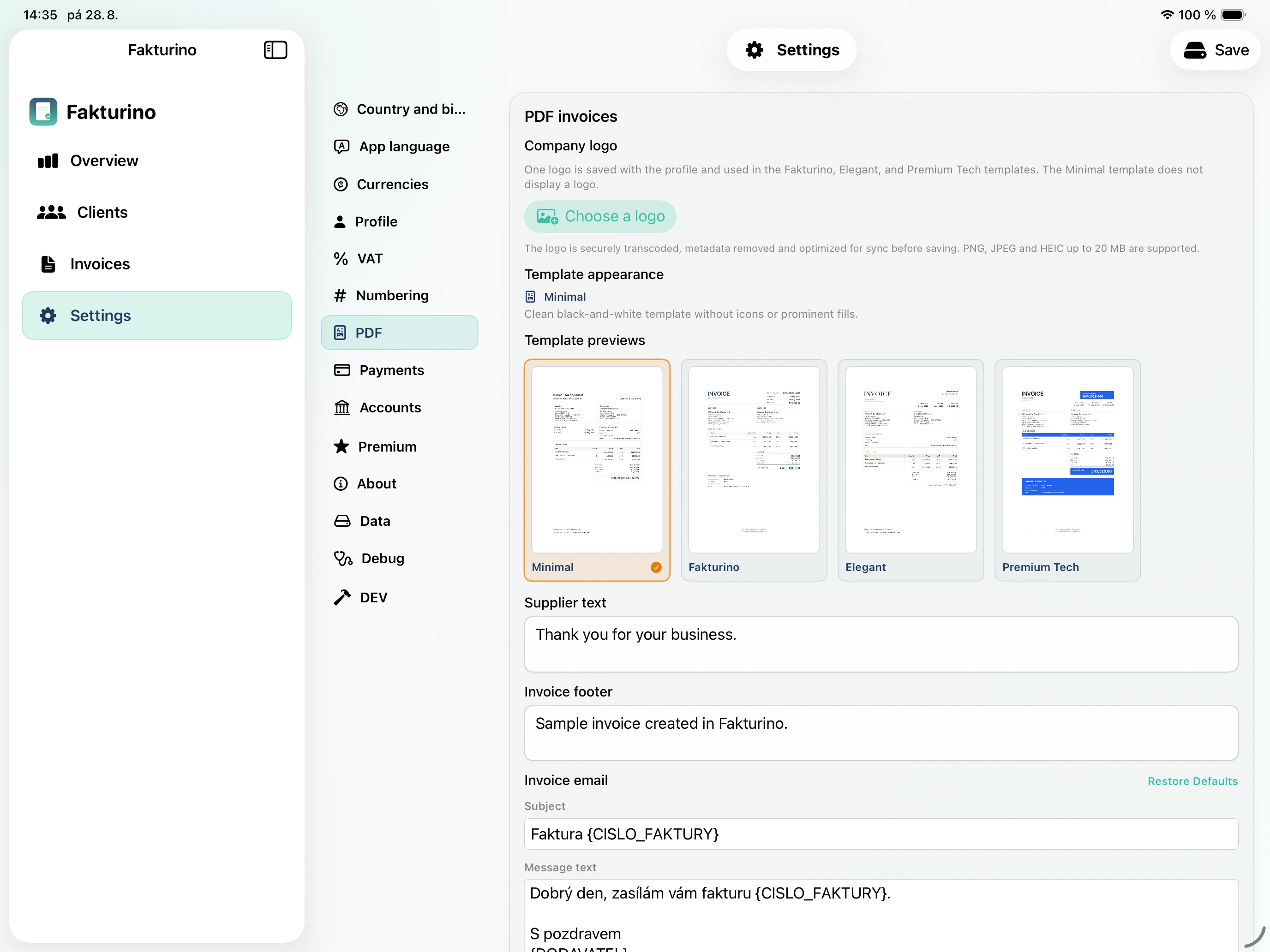
Enter the client and the work supplied, check the output language, then export and open the actual file. Do not assume changing the document language translates every manually entered service description, payment note or contractual phrase. Read those fields yourself before sharing the PDF.
Write a description the finance team can match
A useful description lets the buyer match the invoice to an agreed job. Website copy editing — October 2026 is a fictional example of a more specific description than Services. Use the real scope and period, and retain the customer's agreed project or order reference.
Review issue date and due date as separate fields. Avoid ambiguous dates in your own notes; a written month can help a reader distinguish day from month. Use the agreed currency code when discussing payment rather than relying on an unexplained symbol. These are editorial clarity checks, not a list of legal requirements for every jurisdiction.
Check the exported file, not just the form
- Compare the customer details, invoice reference and order reference with the agreed brief. Look for truncated names or descriptions across page breaks.
- Confirm that the currency and payment account match the agreement. A language change is not a currency conversion or a check of bank details.
- Read the payment deadline and your own notes on a phone-sized screen. Make sure the attachment is the final PDF and every page is readable.
If you prepare a document on one Apple device and review it on another, see how invoice sync works on iPhone and Mac. Syncing data is a different check from confirming the contents of a particular export or whether the recipient received the attachment.
This workflow does not replace mandatory structured e-invoicing, reporting or professional advice on tax. It is not US-specific guidance or a shortcut around UK or overseas obligations. Confirm your required fiscal process separately. To assess the app for your own workflow, view Fakturino on the App Store, check current compatibility and review your first PDF before sending it.
Sources for app capabilities
[5] Fakturino features · [6] Fakturino