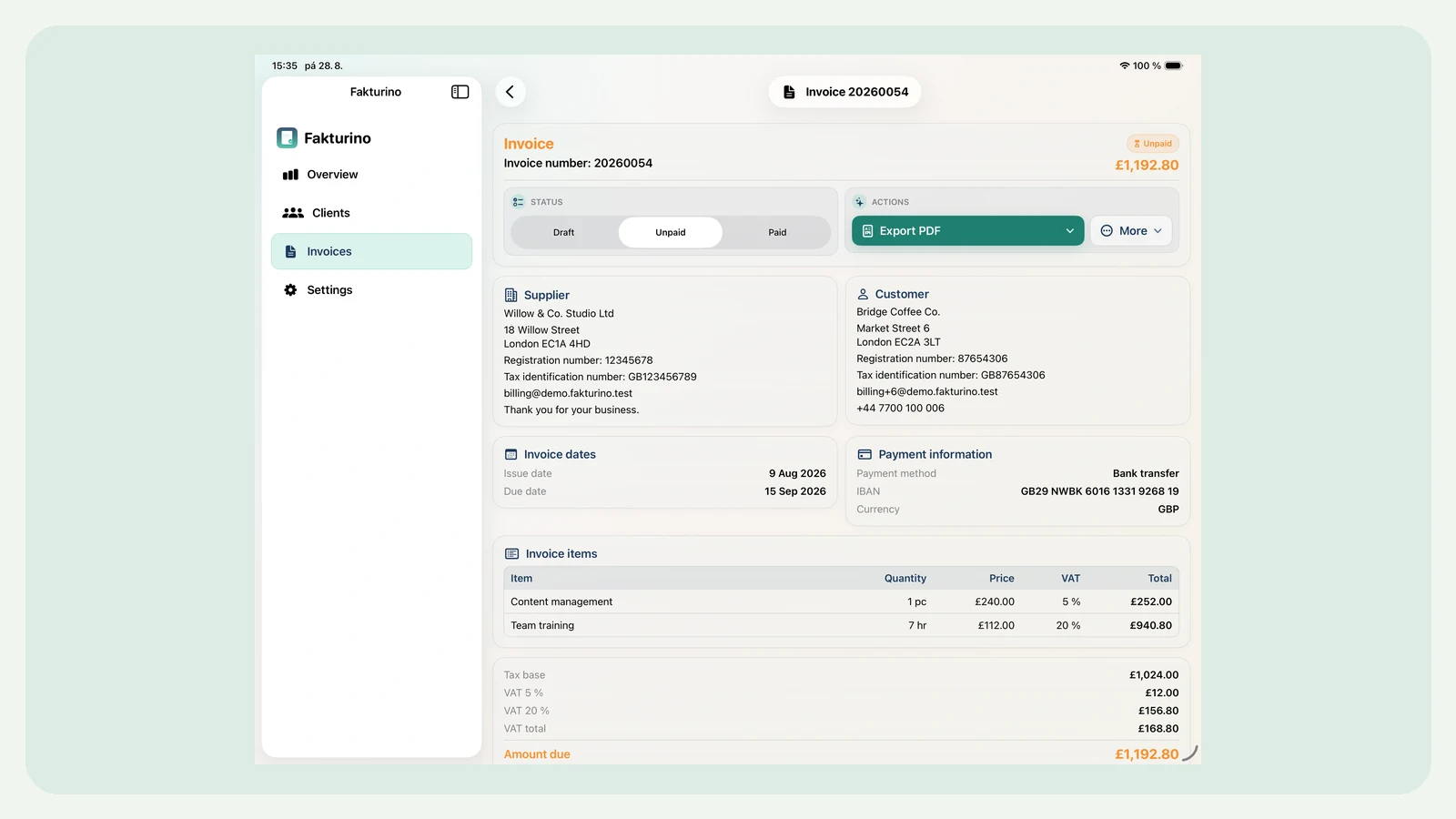
An hourly invoice should let your client connect a charge with work they recognise. A total labelled “services” leaves that connection unclear. Start with an agreed scope, turn your time record into billable hours, and only then prepare the invoice. This guide uses a fictional UK-oriented example in pounds; it is a practical workflow, not a statement of UK tax requirements.
Confirm what the client agreed to pay for
Check the hourly rate, currency, billing period and rounding rule against your proposal. Agree whether meetings, revisions and travel are billable. Keep breaks and internal administration separate unless your agreement says otherwise. A fixed-fee project does not become an hourly engagement merely because you recorded the time spent on it.
Your working record should show the date, project, task and actual minutes, with a note of approval where required. Also mark what has already been invoiced. A separate spreadsheet or time record is enough for this workflow: it does not assume a timer inside Fakturino or an automatic timesheet import.
A worked example: minutes, hours and line totals
Imagine a freelancer preparing a website design during 1–7 October at an agreed £60 per hour. The rate is invented for explanation, not a market benchmark. These calculations cover the service charge before any applicable tax, discount or other adjustment. They do not establish whether VAT applies to your business.
- Homepage design: 135 minutes ÷ 60 = 2.25 hours; 2.25 × £60 = £135.
- Requested revisions: 90 minutes ÷ 60 = 1.5 hours; 1.5 × £60 = £90.
- Handover consultation: 45 minutes ÷ 60 = 0.75 hours; 0.75 × £60 = £45.
The total is 4.5 hours and £270 for the work. A record of 2:15 means two hours and fifteen minutes: 2.25 hours, not 2.15. Convert minutes before multiplying by the rate. Retain the original record so an invoice question can be answered without reconstructing the working week.
Choose the right amount of detail
A useful line description is “Atlas website homepage design, work performed 1–7 October, 2.25 hours at £60/hour”. Split different services or rates into separate lines. If the client accepts a summary, you can keep the full breakdown in a separate supporting record. Include a purchase order or project reference when the client’s process calls for one.
Rounding needs an agreement, not a last-minute decision. Eighteen minutes is 0.3 hours, worth £18 at this example rate. Rounding up to half an hour would make it £30. Do not introduce a minimum block after the work is complete. Check whether an agreed rounding rule applies to each entry or to the period total.
Move checked figures into the invoice
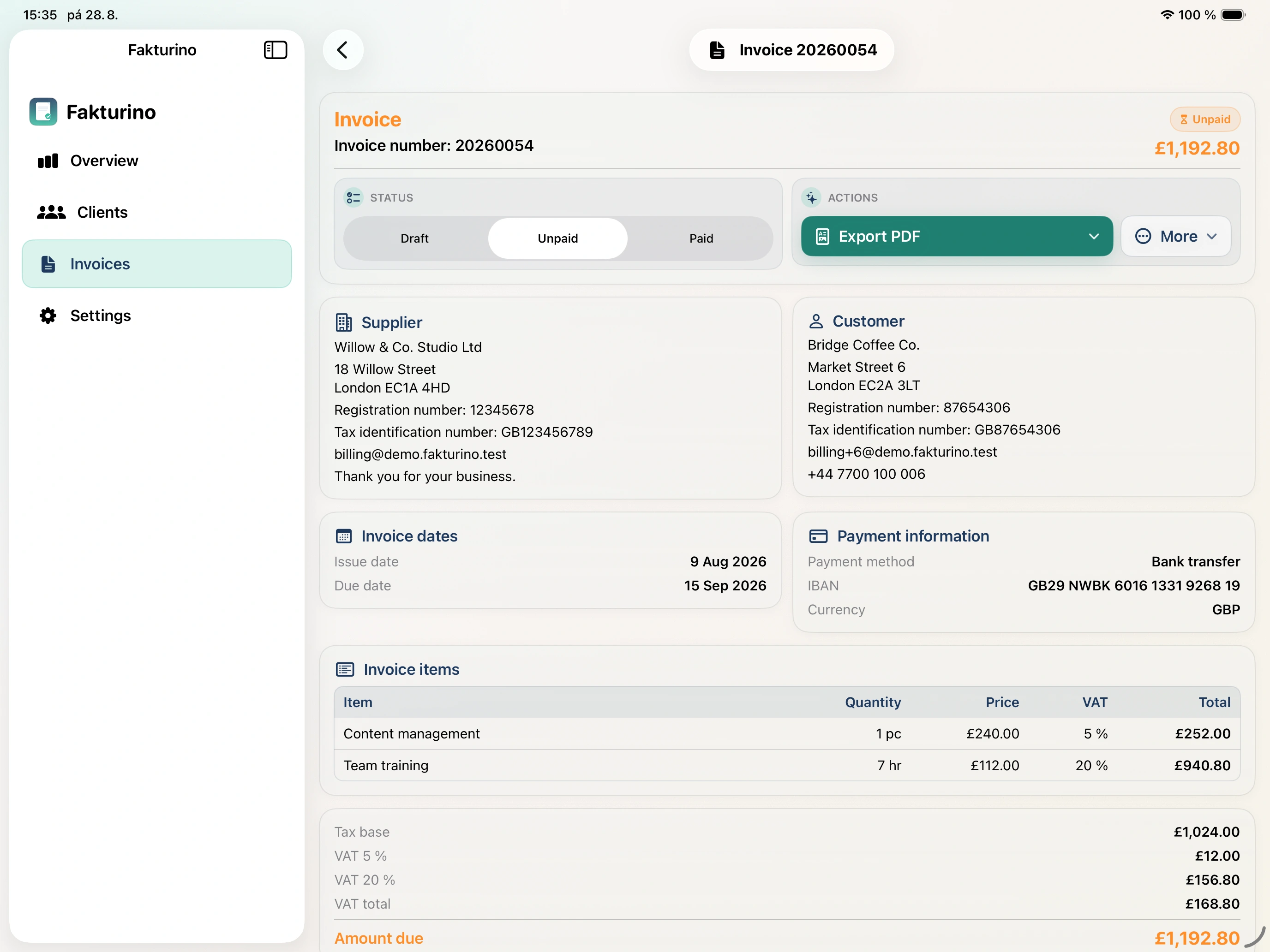
Fakturino’s official features page describes saved clients, invoice items, custom numbering and PDF export.[4] Prepare the descriptions and prices from your approved record, then check how quantities and prices appear in the current app and exported document. Make the hours clear in the description and compare them with the line total.
Use a clearly identified test draft if you need to check the input format. Do not issue a duplicate invoice for the same work just to experiment. A description containing “2.25 hours” does not fix a line total entered incorrectly.
Check the PDF before sharing it
- Match the customer, project, service period, rate and each amount against the approved time record. Check that none of the time has already been billed.
- Review the invoice number, currency, due date and payment instructions. Check tax details separately for your circumstances; the example is not a tax template.
- Open the finished PDF and inspect long descriptions and the total. Save the supporting record with a reference linking it to the invoice.
For the next step, see the UK sole trader PDF checklist. Review Fakturino’s documented features and its current App Store listing before deciding whether it suits your devices and invoicing needs.